Why Selling Your iPhone 13 Makes Sense
If you have upgraded, or are thinking of upgrading, your old iPhone 13 does not need to sit in a drawer gathering dust. Selling it can put it back into use with someone who will value it, reduce electronic waste, and help offset the cost of your next phone. The iPhone 13 remains a capable everyday phone for browsing, messaging, photography, video, and apps, so there is genuine demand for well-kept examples. Selling well, however, is about more than finding a buyer quickly. It is about preparing the phone properly, describing it honestly, choosing a safe route to sell, and protecting your personal data before the phone leaves your hands.
Many people delay selling because the process feels complicated, or because they worry about data security, scams, or getting a fair outcome. Those concerns are understandable, and they are also manageable with a clear, step-by-step approach. This guide covers the whole journey in general terms: checking your phone honestly, understanding what affects its value, preparing it for sale, choosing between the main selling routes, meeting a buyer safely where relevant, and wiping your data properly. It does not promise a particular outcome, and it does not quote specific resale figures, because value depends on condition, storage, market demand at the time, and the route you choose, all of which vary.
The most important principle is honesty, both with yourself and with your buyer. A phone described accurately, with its condition, battery health, and any faults stated plainly, is far more likely to sell smoothly than a phone described optimistically. Buyers appreciate clear photographs, a straightforward description, and a seller who answers questions promptly. That trust also protects you: when the buyer knows exactly what they are getting, there is far less room for disputes after the sale. Taking time at the start saves time, stress, and hassle later.
Before You Sell: Check Your iPhone 13 Honestly
Start by giving your iPhone 13 a careful, honest inspection. Look at the screen for scratches, cracks, or marks, check the body and edges for dents or scuffs, and examine the camera lenses and the charging port for damage or debris. Test the buttons, the speakers, the microphone, the cameras, and the charging function, and note anything that does not work as it should. Check the battery health in settings, and note how long the battery typically lasts in everyday use. A phone with a healthy battery and a clean, undamaged screen will generally be more appealing than one with visible wear, but even a phone with cosmetic marks can sell well if those marks are described and photographed clearly.
Also check the practical details that buyers ask about. What storage size is the phone, and what colour is it? Is it locked to a particular network, or is it unlocked for use on any compatible network? Has it been repaired, and if so, were genuine parts used where relevant? Does it come with its original box, cable, or accessories, and are those accessories in good condition? Having these answers ready makes your listing stronger, and it avoids the back-and-forth that can slow a sale. If you are unsure about network locking, your current provider or the phone settings can usually clarify the position, and it is better to confirm than to guess.
It is also worth checking that the phone is fully functional after any software updates, and that it is not linked to any unresolved account, activation lock, or outstanding agreement that would prevent a new owner from using it. A phone that is ready for a new owner, with accounts removed and settings reset as described later in this guide, is a phone that can be sold with confidence. If you discover a fault during your checks, decide whether to repair it, sell the phone with the fault clearly disclosed, or choose a route that accepts phones in that condition. Each option is valid, provided the buyer or buyer service understands exactly what they are receiving.
Understanding Value in General Terms
People often ask what their iPhone 13 is worth, and the honest answer is that it depends on several factors working together. Condition is usually the largest factor: a phone in excellent, well-kept condition generally attracts more interest than one with visible damage or functional faults. Storage size matters too, because larger storage suits people who keep many photographs, videos, and apps on their phone. Battery health matters, because a battery that holds its charge well is more useful day to day than one that needs frequent charging. Network status, colour, included accessories, and the original box can also influence interest, though usually less than condition and storage.
Market demand at the time of sale also plays a role. When a new model has just launched, interest in previous models can shift, and when many similar phones are listed at once, buyers have more choice. Seasonal patterns, such as increased interest around gift-giving periods or back-to-school times, can also affect how quickly a phone sells, though they do not change the phone itself. Because these factors move, it is more useful to think in terms of a range and a realistic expectation than a single fixed figure. Checking what similar phones in similar condition are listed for, through reputable channels, can give you a general sense of the market without relying on any single listing.
It is important to be wary of any offer that seems far above the general market for a phone in your condition, as well as any offer that pressures you to act immediately. A genuine buyer or reputable service will explain how its offer is calculated, what condition criteria it uses, and what happens if the phone arrives in a different condition from that described. If an offer is vague, or if the buyer asks you to send the phone before terms are clear, step back and reconsider. A fair sale is one where both sides understand the terms, the condition, and the process before the phone changes hands.
Preparing Your iPhone 13 for Sale
Preparation makes a real difference to how your phone is perceived, and it does not need to take long. Start by cleaning the phone gently with a soft, dry cloth, and removing any case or screen protector so the buyer can see the true condition. Clean the charging port carefully, without using sharp objects or liquids that could cause damage. If you have the original box, cable, or accessories, gather them together and check that they are clean and working. Presenting a phone neatly, with its accessories organised, signals care, and it helps a buyer feel confident that the phone has been looked after.
Photographs are the most important part of preparation after the phone itself. Take clear, well-lit photographs of the front, back, sides, camera area, and charging port, and include close-ups of any marks or scratches, however small. Honest photographs protect you as much as they inform the buyer, because they show the condition at the time of sale. Avoid using filters that hide marks, and avoid stock photographs of a different phone. A buyer who can see the actual phone, in its actual condition, is a buyer who is far less likely to be disappointed on arrival.
Your description should match your photographs. State the storage size, colour, network status, battery health in general terms, and any faults or wear, plainly and without exaggeration. Mention what is included, such as the box, cable, or case, and state what is not included if that could cause confusion. If the phone has been repaired, say so honestly. A short, clear, accurate description builds trust far faster than a long, enthusiastic description that glosses over flaws. Remember that a buyer who knows what to expect is a buyer who is more likely to complete the sale happily.
Choosing How to Sell
There are several broad routes for selling an iPhone 13, and each suits different priorities. Selling directly to another person, through a marketplace or classified route, can give you more control over your listing and your communication with the buyer, but it also asks more of you in terms of answering questions, arranging payment, and meeting or posting safely. Selling to a reputable trade-in or buy-back service can be simpler and faster, because the service handles the valuation, collection, and onward sale, but the terms, condition checks, and any deductions for condition differences need to be understood clearly before you commit.
Trading in as part of buying a new phone is another option, and it can be convenient because the old phone and the new phone are handled together. Again, the key is to understand the terms: what condition criteria apply, what happens if the phone is assessed differently on arrival, and whether the trade-in value is applied as a discount, a credit, or a separate payment. Some people prefer to sell separately and then buy, because it keeps the two decisions distinct and makes each easier to judge on its own merits. Neither approach is automatically better; the right one depends on how much convenience you value versus how much control you want over the sale.
When comparing routes, look beyond the headline offer. Check how payment is made, how long it should take, who pays for postage or collection where relevant, what happens if the phone is lost in transit, and what recourse you have if something goes wrong. Check reviews of the service or marketplace, and check whether the buyer or service has clear contact details and a clear process for disputes. A route that is transparent about its process, even if its offer is not the highest you have seen, is often the safer and smoother choice. If you use your phone for gaming as well as everyday tasks, you may already be familiar with weighing convenience against control from choosing games for different devices and sessions, as our guide to choosing a game to play explains, and the same balanced thinking helps here. For those whose phone is a work device, it is also worth remembering that a phone change can affect how a small team stays in touch, which is why our guide to what HR means for small businesses offers useful context on keeping people and communication organised during a change.

Selling Safely: Payment, Postage, and Meeting Buyers
Safety is the part of selling that deserves the most care, whether you sell online or in person. For payment, use a method that provides a clear record, and be wary of payment methods that cannot be traced or reversed if something goes wrong. Never hand over the phone before payment is confirmed through a reliable method, and be cautious of buyers who ask you to accept unusual payment arrangements, overpayments with a request to refund the difference, or payment through gift cards or untraceable transfers. These are common warning signs, and a genuine buyer will not need you to accept such terms.
If you post the phone, package it securely so it cannot move around in transit, and use a tracked, insured delivery method where available, keeping the tracking details and proof of postage. Photograph the phone and its packaging before sending, and keep a record of the serial number and any condition photographs you took. If you meet a buyer in person, choose a public, well-lit place during daytime, ideally somewhere with other people around, and consider taking someone with you. Let someone you trust know where you are going and when you expect to return. These steps may feel cautious, but they are simple habits that protect both buyer and seller.
Communication also matters for safety. Keep your messages within the marketplace or service messaging system where possible, rather than moving to untraceable channels at a buyer’s request. Be polite but firm about your terms, and do not share personal information beyond what is needed to complete the sale. If a buyer becomes pushy, evasive, or inconsistent, you are entitled to step away from the sale. A genuine buyer will respect clear boundaries and a straightforward process, and there will always be another buyer for a well-presented phone.
Wiping Your Data Properly
Wiping your data is the most important step before your iPhone 13 leaves your hands, and it should never be rushed or skipped. Before you wipe anything, back up your data in the way you prefer, whether through cloud backup, a computer backup, or both, and check that your photographs, contacts, messages, and important documents are safely copied. Also transfer any two-factor authentication, banking, or password-manager access to your new device, and make sure you can sign in to your key accounts from the new phone before you erase the old one. Losing access to an account because it was tied only to the old phone is a frustrating and avoidable problem.
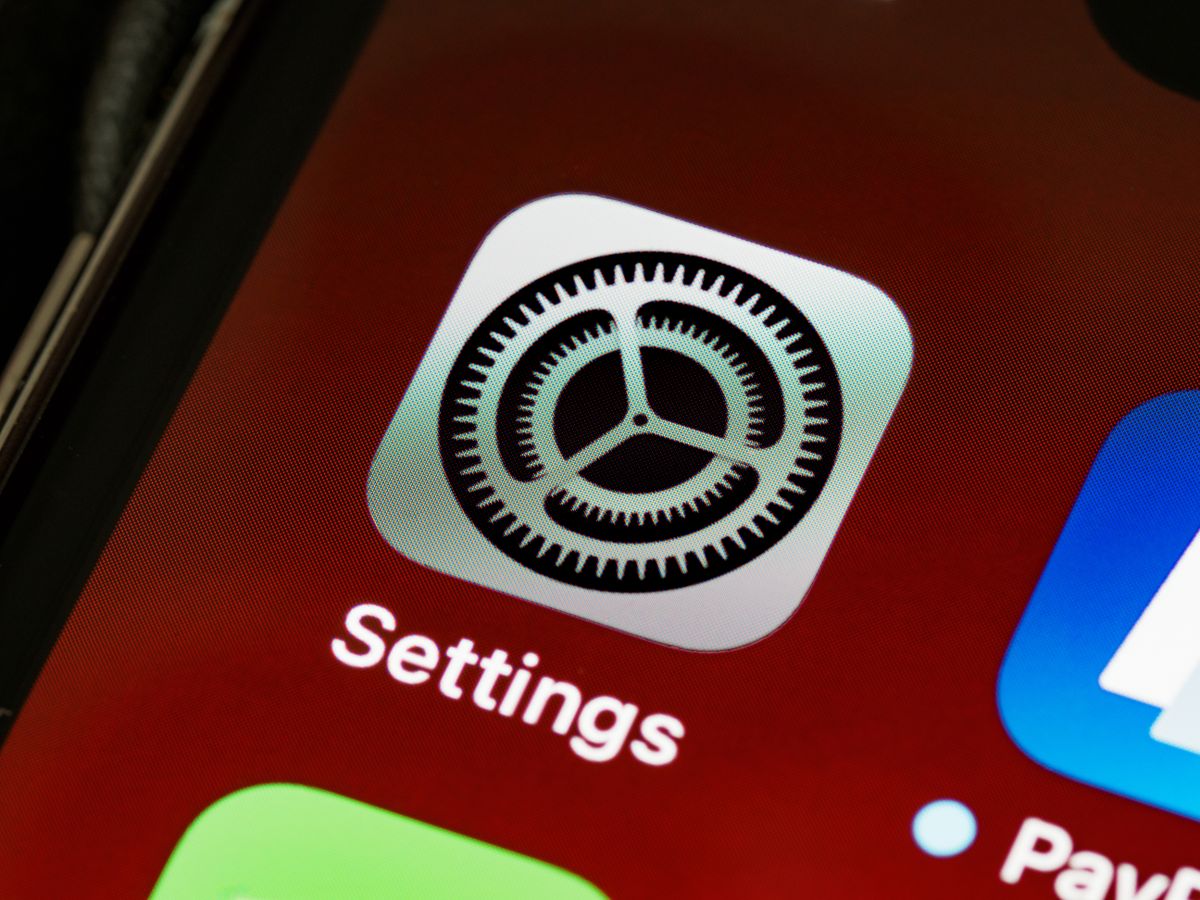
Once your backup is confirmed, sign out of your accounts on the old phone, including your main device account, messaging, and any services that link the phone to your identity. Remove any paired devices, such as a watch or wireless headphones, from the phone where relevant, and remove the phone from your list of trusted devices for accounts that use it for verification. Then use the built-in erase function in settings to erase all content and settings, following the on-screen prompts carefully. This process is designed to remove your personal data and return the phone to its factory state, ready for a new owner to set up as their own.
After erasing, check that the phone shows the initial setup screen and no longer shows your accounts, photographs, or messages. Do not sign back in after erasing, and do not leave a SIM card or memory card in the phone unless you intend the buyer to have it, which is rarely advisable. Remove your SIM card before handing the phone over, and keep it safely or dispose of it appropriately if you no longer need it. If you are selling through a service that erases the phone on your behalf, confirm that erasure is part of its process, but still perform your own backup and sign-out steps first, so you are not relying solely on someone else to protect your data.

After the Sale: Final Checks
After the sale, take a few final steps to close the loop cleanly. Confirm that payment has been received and cleared through your chosen method, and keep a record of the sale, including the buyer’s details where appropriate, the date, the agreed terms, and any tracking information. If you sold through a service, keep its confirmation and any reference details until the process is fully complete. If you used the phone for work, let relevant colleagues or systems know that the old device is no longer in use, and update any device-management or security settings accordingly.
Also check that your old phone no longer appears as a trusted device on your accounts, and that any subscriptions or services tied to that specific device have been transferred or cancelled as needed. This is a good moment to review your new phone’s security settings as well, including its lock screen, backup settings, and account recovery options, so your new device starts on a strong footing. A clean handover on the old phone and a secure setup on the new one together give you peace of mind.
Finally, keep your expectations realistic about timing. Some sales complete quickly, while others take longer because the buyer needs time to decide, or because a service needs time to check the phone on arrival. If a sale is delayed, follow up politely through the proper channel, and keep your records handy. Patience, clear communication, and a well-prepared phone are the three things that most reliably lead to a smooth sale, and they are all within your control.
Common Mistakes to Avoid
One common mistake is wiping the phone before backing it up, which can lead to lost photographs, contacts, or access to important accounts. Another is forgetting to sign out of accounts or remove activation locks, which can leave a new owner unable to set up the phone and can cause the sale to be returned or disputed. A third mistake is describing the phone more optimistically than its actual condition, which may attract interest quickly but often leads to disappointment, renegotiation, or a return. Honesty at the start is always faster in the end.
Another mistake is accepting an unusual payment method under pressure, or sending the phone before payment is confirmed. Scammers often create urgency, whether through a story about needing the phone quickly, a promise of extra payment, or a request to move the conversation off the platform where you listed it. Slowing down, checking the payment, and sticking to a traceable method protects you far more than any promise of a quick sale. If something feels wrong, trust that instinct and step away.
Finally, many sellers forget the small practical details: removing the SIM card, including or excluding accessories clearly, photographing the phone before posting, and keeping proof of postage or meeting arrangements. These details seem minor, but they are the evidence that protects you if a dispute arises. A sale that is well documented is a sale that is much easier to resolve, and documentation takes only a few minutes at each stage.
Frequently Asked Questions
Should I back up my iPhone 13 before selling it?
Yes, back up your iPhone 13 before you erase it, and check that your photographs, contacts, messages, and important documents are safely copied to your new device or backup. Also transfer any account verification or password-manager access to your new device before erasing the old phone.
How do I wipe my iPhone 13 before selling it?
After backing up and signing out of your accounts, use the built-in erase function in settings to erase all content and settings, following the on-screen prompts. After erasing, check that the phone shows the initial setup screen, remove your SIM card, and do not sign back in.
What affects the value of a used iPhone 13?
Condition, storage size, battery health, network status, included accessories, and market demand at the time of sale all affect interest in a used iPhone 13 in general terms. Checking what similar phones in similar condition are listed for through reputable channels can give you a general sense of the market.
Is it safe to sell my iPhone 13 online?
Selling online can be safe when you use a reputable marketplace or service, keep communication within its messaging system, use a traceable payment method, confirm payment before handing over the phone, and use tracked delivery where posting. Be wary of unusual payment requests, overpayments, and pressure to act quickly.
Should I include the original box and accessories?
Including the original box, cable, and accessories in good condition can make your listing more appealing, but the key is to state clearly what is included and what is not. A clear list avoids confusion and helps the buyer know exactly what to expect on arrival.
Conclusion
Selling your iPhone 13 safely comes down to a few careful steps: check the phone honestly, understand what affects its value in general terms, prepare it with clear photographs and an accurate description, choose a selling route whose terms you understand, protect yourself on payment and delivery, and wipe your data properly before the phone leaves your hands. Done in that order, selling is straightforward, and your old phone gets a useful second life with a new owner. Take your time, keep records, and do not rush the data-wiping step: a well-prepared sale is a sale you can feel confident about.